Must Have Apps For Visiting Thailand
Transportation Apps: Bolt and Grab
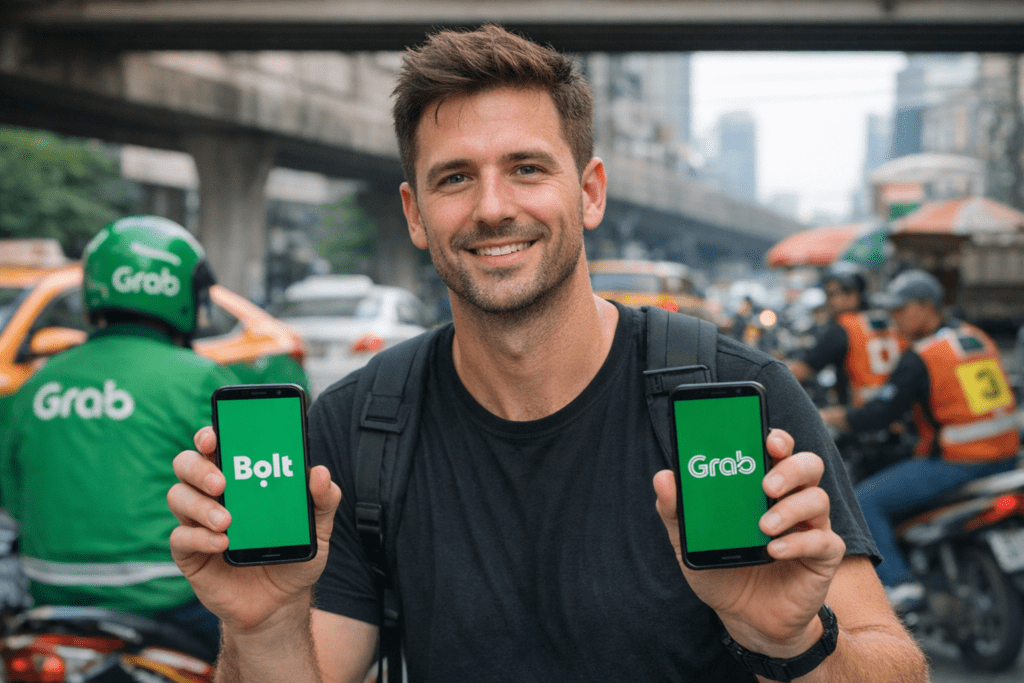
Bangkok traffic can get pretty busy, and you’re going to need a couple of apps to help you navigate this mess. You’ll probably find yourself needing to take taxis or maybe a motorbike, and you’re going to want to use the apps to do it.
You have Bolt and Grab. These apps function like Uber. You simply put in your destination and your pickup location, and the algorithm will give you a driver.
The taxi apps are incredibly useful in this city, as there is a common reputation for taxi drivers to try to hustle tourists. The apps will give you a predetermined price to get to your location, and your driver will know exactly where to go, so you won’t get stuck giving a taxi driver directions who may or may not speak English.
But it’s important to remember that these are competitors. When you’re ordering a motorbike taxi on Grab or Bolt, you don’t want to set your pickup location right in front of a motorbike taxi stand, as you do have altercations. I personally have witnessed a few of them.
Food Ordering Apps: Grab and FoodPanda
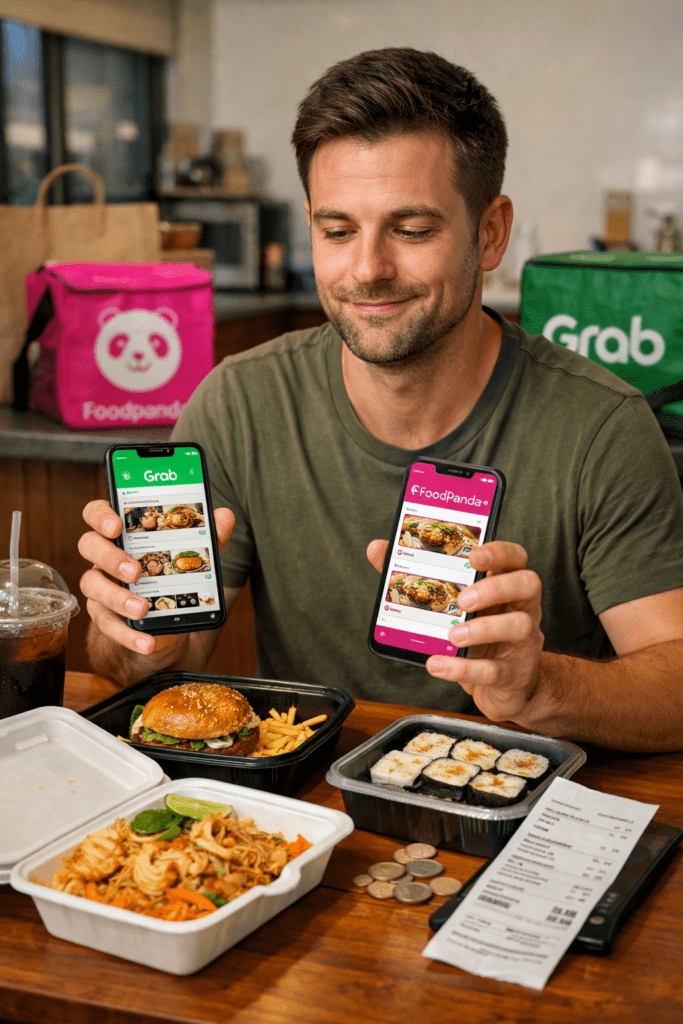
Let’s talk about our second key group of apps you’re going to want to download, and these are your food ordering apps. You probably downloaded one of them already.
We are talking about Grab and FoodPanda. Now you have a huge variety of food, both Thai and Western, that you can get on these apps. It is very convenient, it is very easy, and I use these apps very frequently—maybe a little bit too much.
They definitely are more expensive than if you go outside. Normally prices are marked up by 20% to 30% on the app itself, plus you pay delivery fees, and some of them even include extra taxes. It can be up to 50% more expensive.
Communication App: Line
The next application that you’re going to want to download—it’s one of the main communication apps—and that is Line.
People in Thailand use Line. It’s probably the number one communication app, messenger app. They definitely use Facebook Messenger and Instagram a lot also, but you probably already have those ones. You probably don’t have Line.
So you’re going to want to download Line before you come to Thailand. If you want to talk to Thai people and if Thai people want to talk to you, they’ll probably ask: “Do you have Line?”

Restaurant Dining Apps: Eatigo and Hungry Hub
The next group of apps that you may want to download are for in-restaurant dining. If you like to go out to buffets or eat some Western food here, then you’re going to want to download Eatigo and Hungry Hub.
These two apps will give you discounts on selected restaurants that have signed up with the application. They offer up to a 50% discount if you eat at the restaurant during non-peak hours.
Shopping App: Lazada
Lazada is the Amazon of Southeast Asia, and especially Thailand. Whether you’re living or traveling in Bangkok, you can order online packages to your residence or hotel. They will arrive at your door or even your hotel room within a day or two.
Make sure that it’s being delivered from within Thailand—you should get it within a day or two. If you get it delivered from China or something, you’re going to be waiting a couple of weeks.
And you can actually pay with cash on delivery, so you don’t need to have a Thai payment system.

Compare Thailand Flight Deals and Airlines
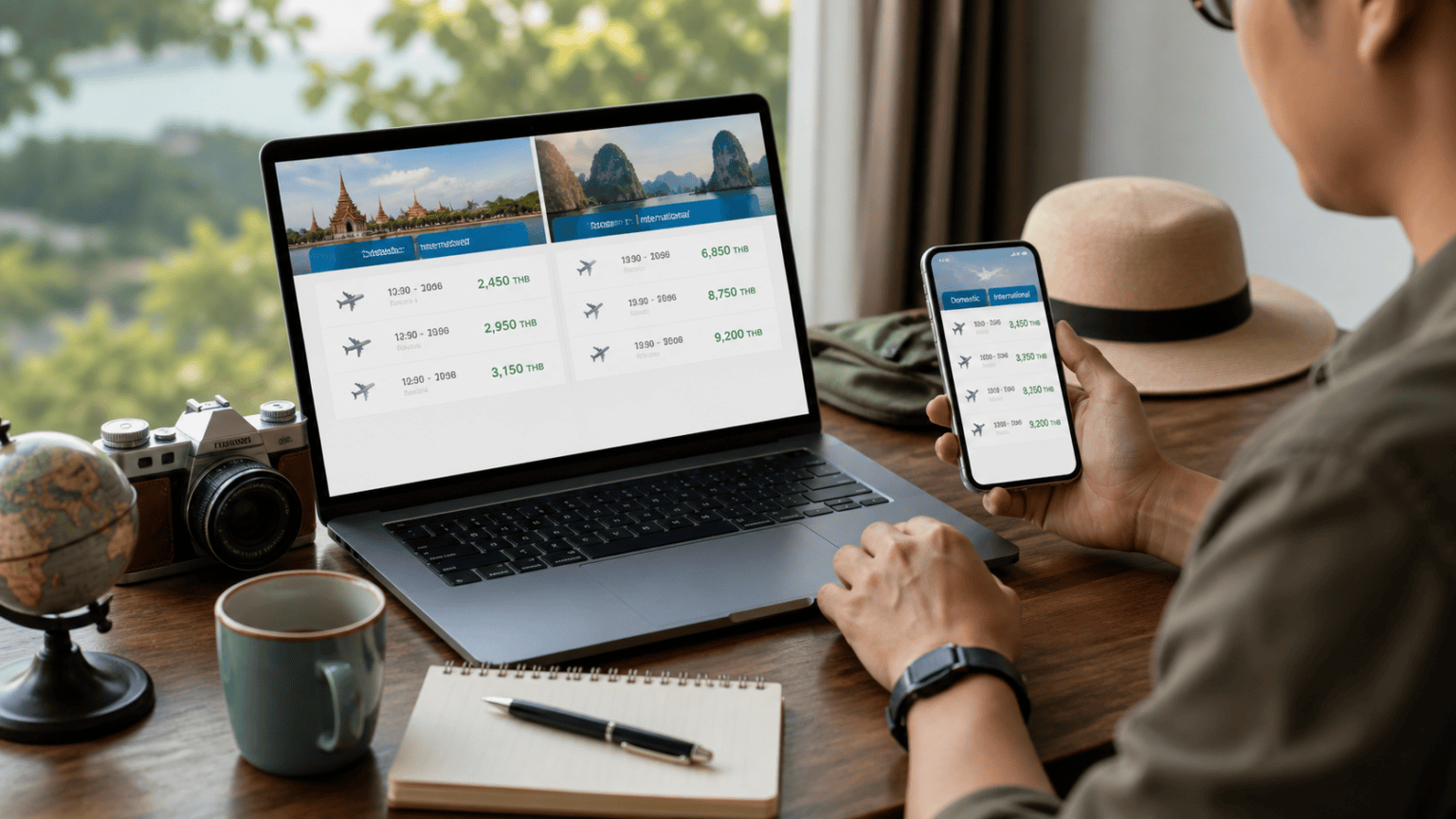
Traveloka is useful for domestic flights, with affordable prices and alerts. Momondo can be used to check international flights and compare deals. For internal flights, check AirAsia, Nok Air, and VietJet Air, especially when flying from Don Mueang Airport.
Compare Hotel Prices Across Booking Sites
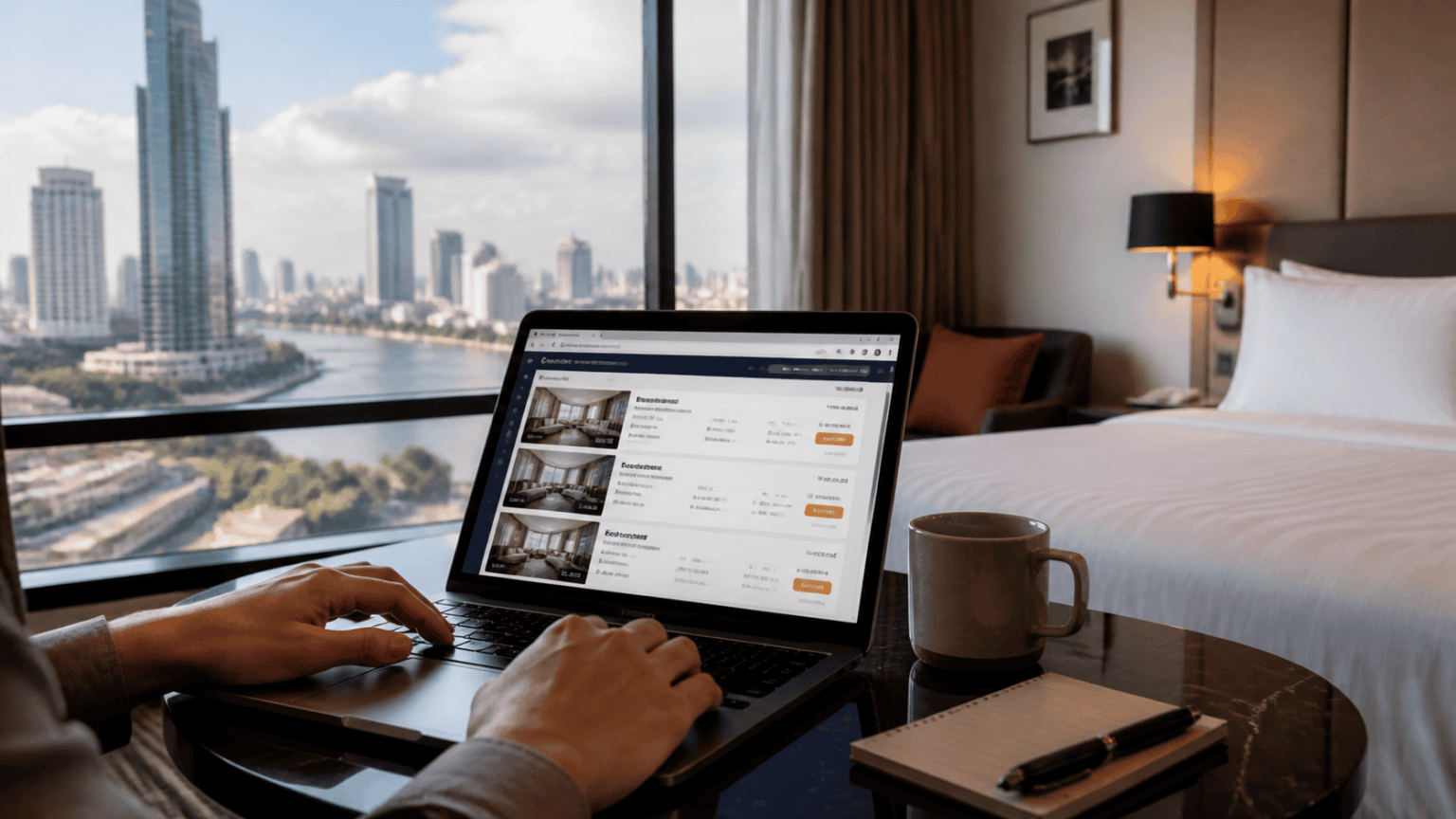
Check hotels on Agoda, Trivago, and Booking.com, then go to the hotel’s main website and compare prices. Sometimes the hotel is cheaper than the booking sites and sometimes the opposite. The key is to compare and get the best deal. Walking in on the same day can sometimes bring a good deal.
Use BTS, MRT, Grab, and Bolt to Move Smart
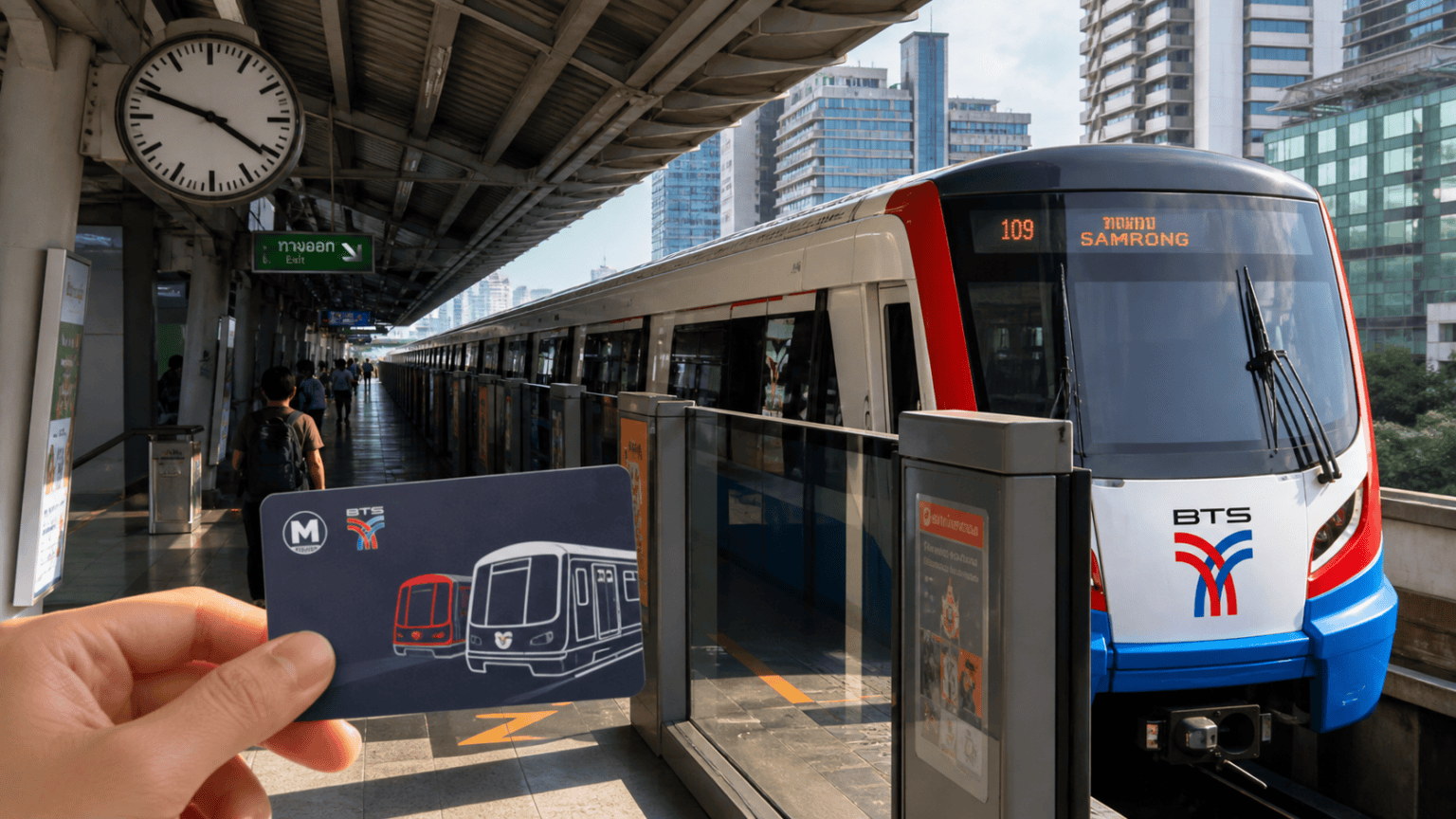
In Bangkok, use public transportation such as the BTS SkyTrain and MRT underground Metro. Keep prepaid cards with you because they save time and money, especially at rush hour. Apps help you understand the system and compare fares. Grab and Bolt can be used to order a car or motorbike, and which is cheaper depends on your preferences.
Explore Bangkok by Bus and Order Food Online
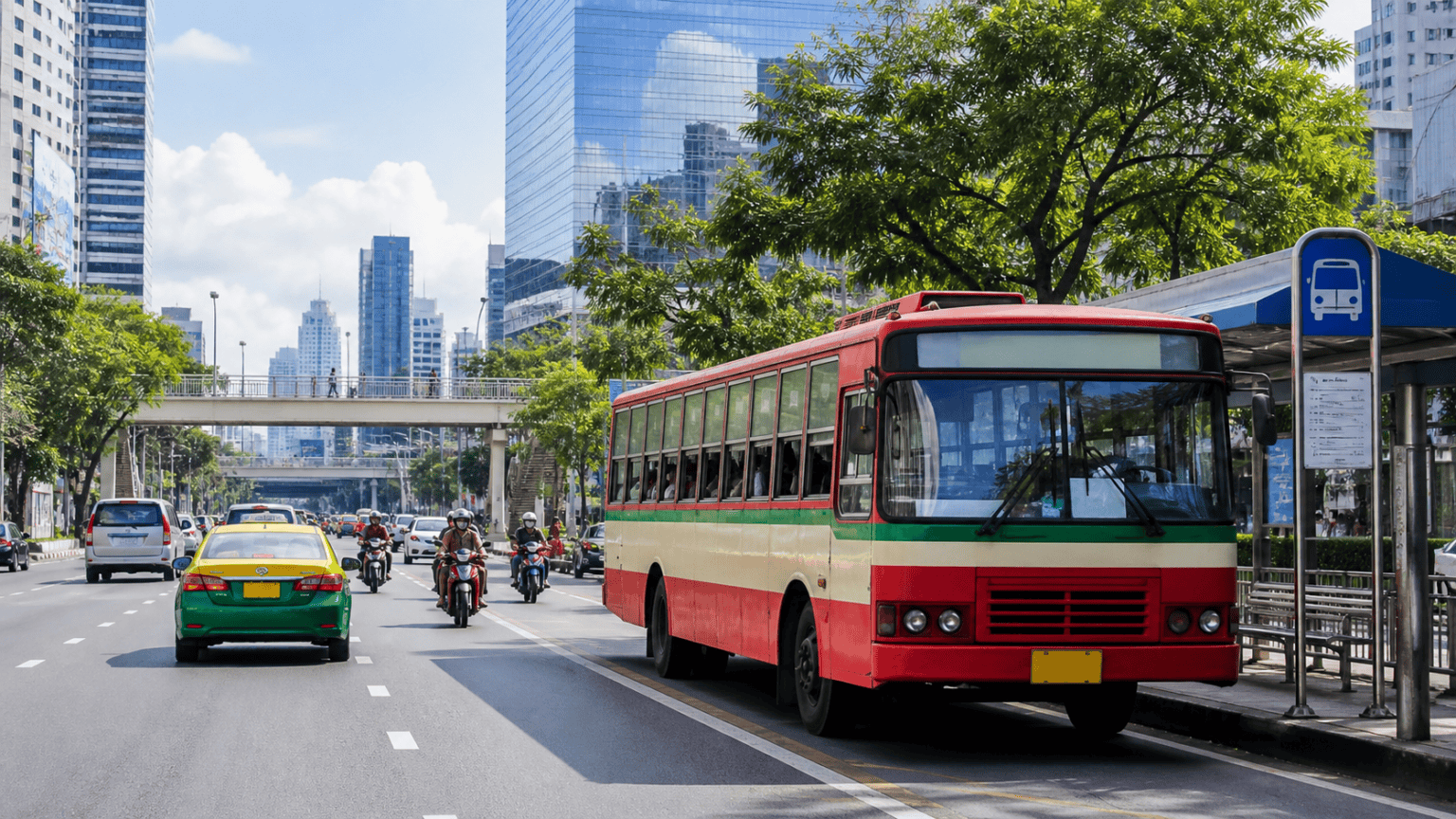
The bus app shows stations, timetables, and schedules, making it possible to explore Bangkok by bus, get in touch with locals, and see real life.
GrabFood and Foodpanda can deliver restaurant food, street food, and even 7-Eleven items, with small delivery commissions.
Stay Connected with SIM Cards, VPN, and Mobile Data
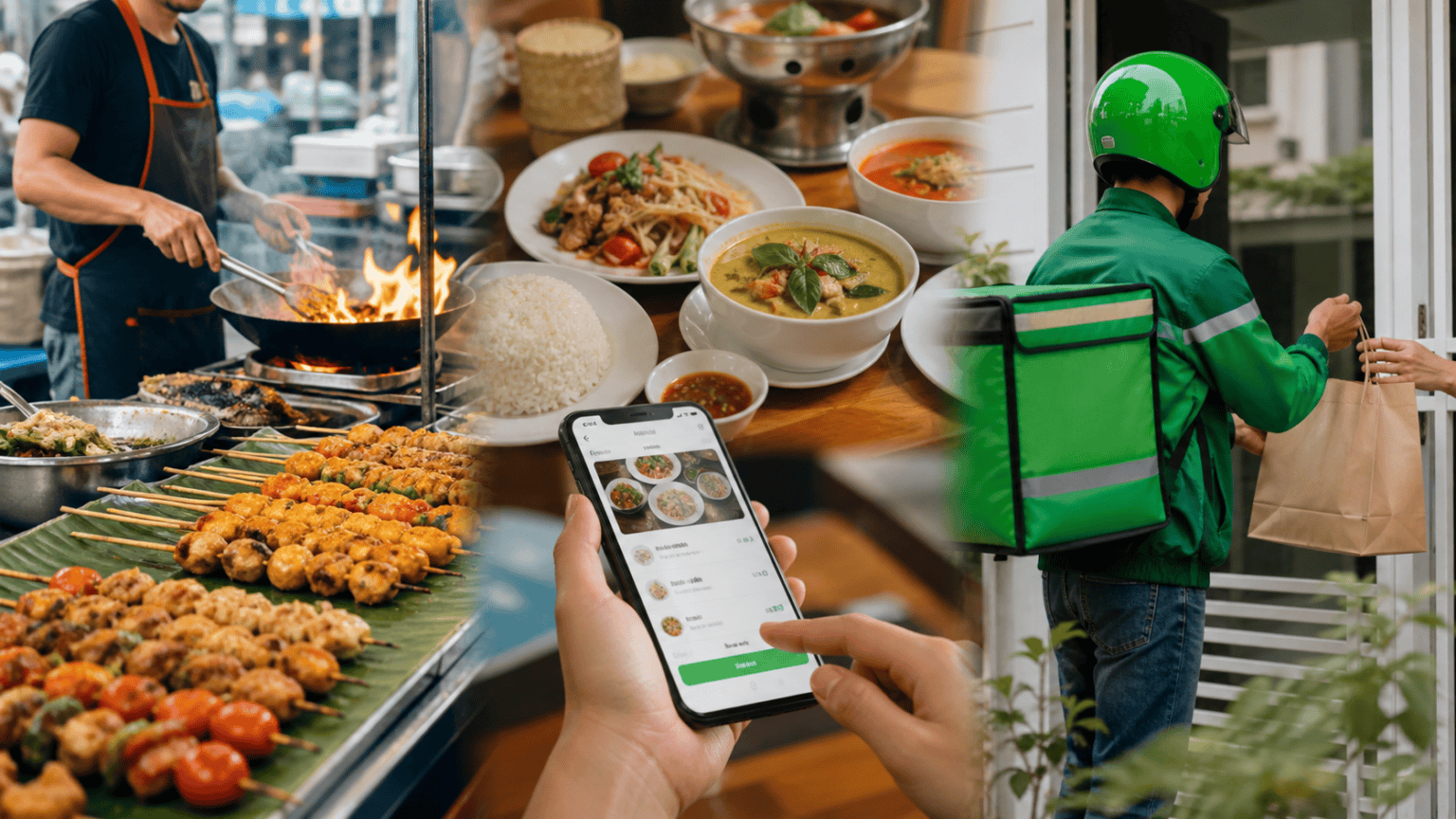
AIS and TrueMove provide mobile connectivity in Thailand, including in remote areas and islands. Choose a SIM card and stay connected.
A VPN encrypts data between your device and the internet, protects privacy, and can help access websites or shows that are restricted in specific countries or locations. Use a reputable service and understand its subscription terms.
Use LINE, Local-Friend Apps, and Thailand Tourism Sites
LINE is used by Thai people more than WhatsApp, so download it for chats and video calls. Friendship apps can help visitors meet people, and exploring Thailand with locals can save time and money.
Amazing Thailand and Tourism Authority of Thailand websites provide daily news, notifications, directions, events, and updates for exploring Thailand.
Agoda Booking And Trivago Hotel Prices
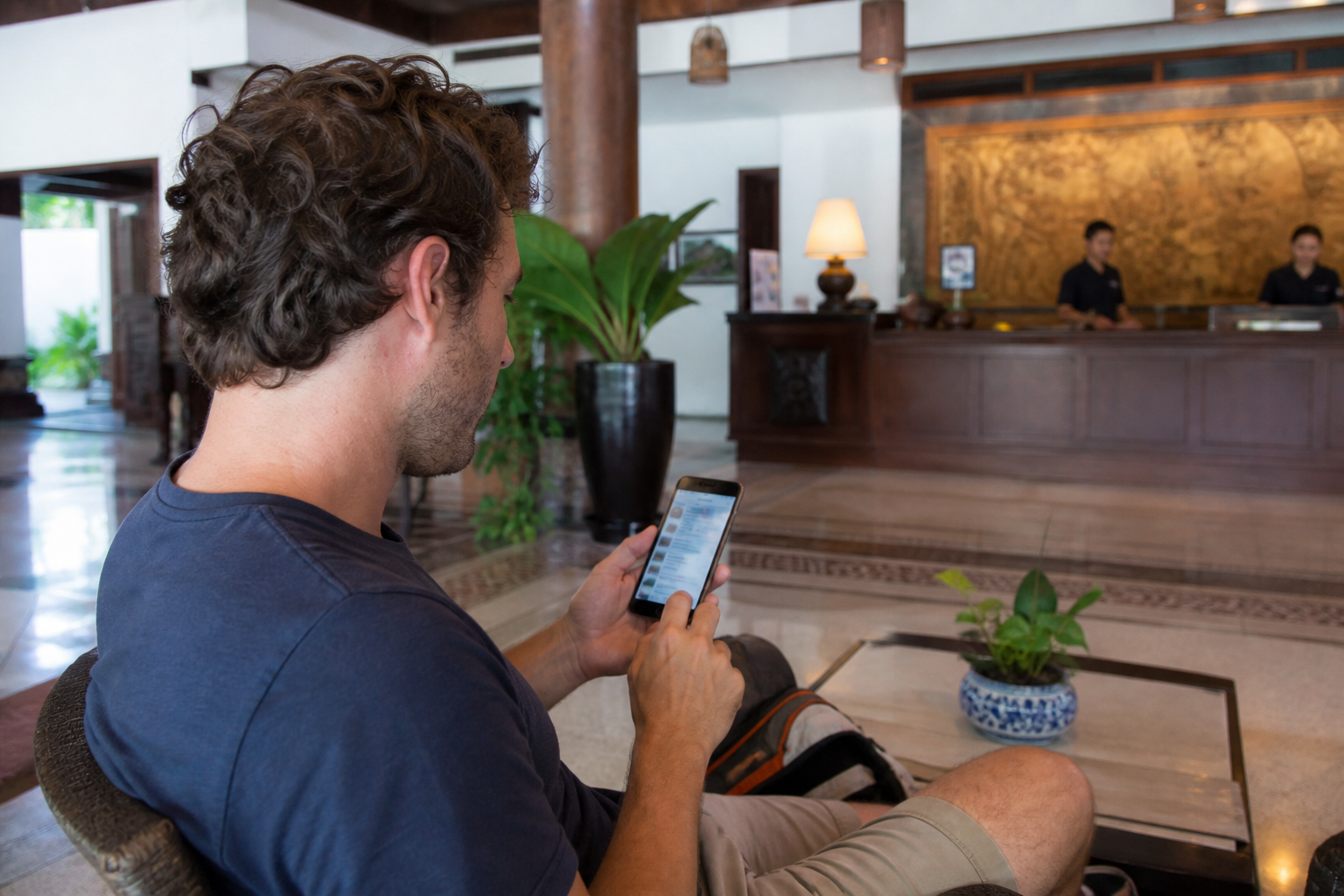
Agoda, Booking, and Trivago are useful starting points when comparing hotels in Thailand. Check the price on the hotel’s official website as well, then compare the rates before booking.
Comparison sites sometimes include useful offers such as breakfast. Checking more than one source can help find a lower price and a better room or package.
Bangkok BTS And MRT Route Apps
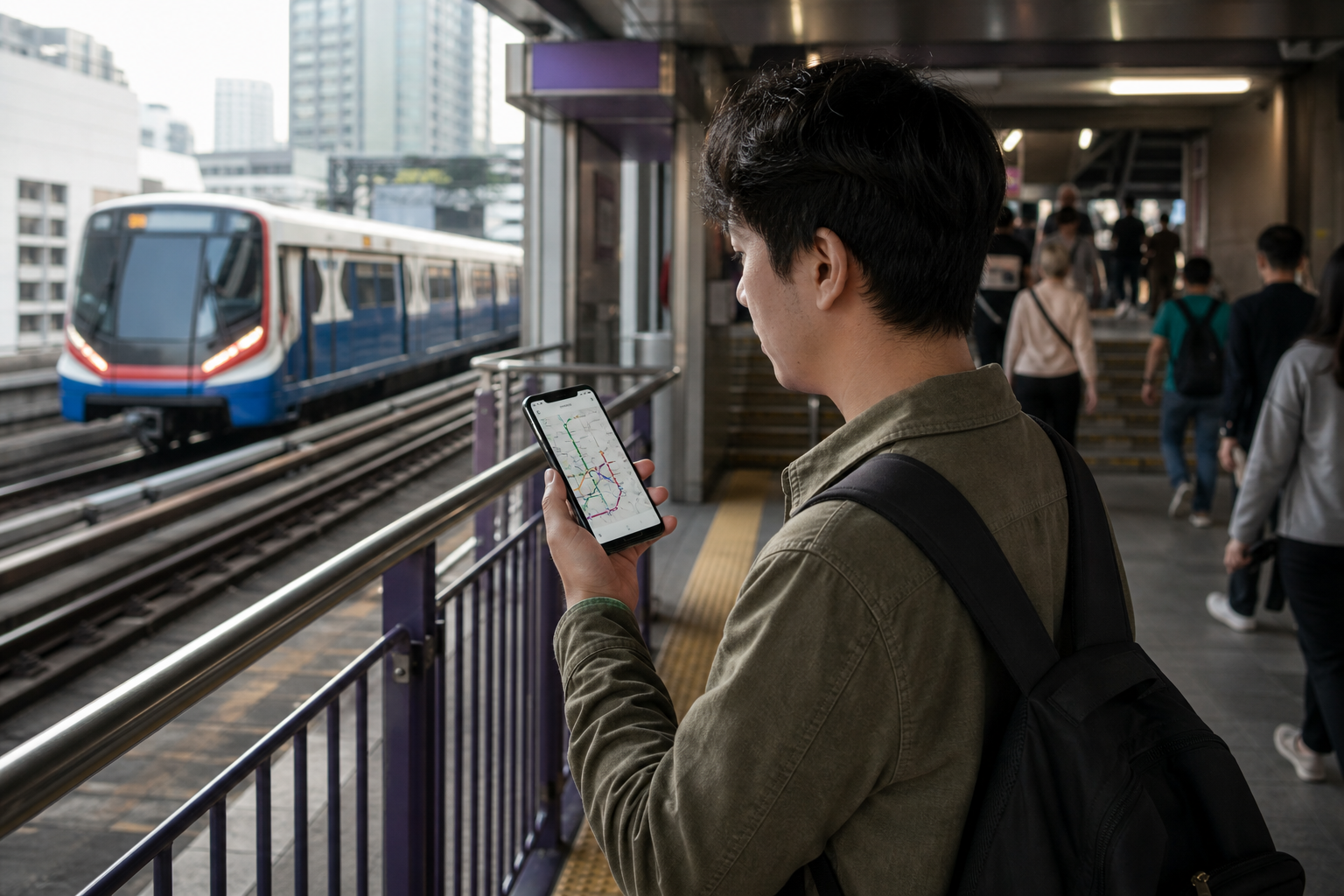
A Bangkok BTS and MRT app shows routes, operating times, fares, interchange points, and attractions near stations. This is useful when you are unfamiliar with Bangkok’s public transport.
Using the route information can help you choose the fastest and cheapest way to reach shopping areas, landmarks, and other parts of the city without relying on a taxi for every journey.
Grab And Foodpanda Food Delivery
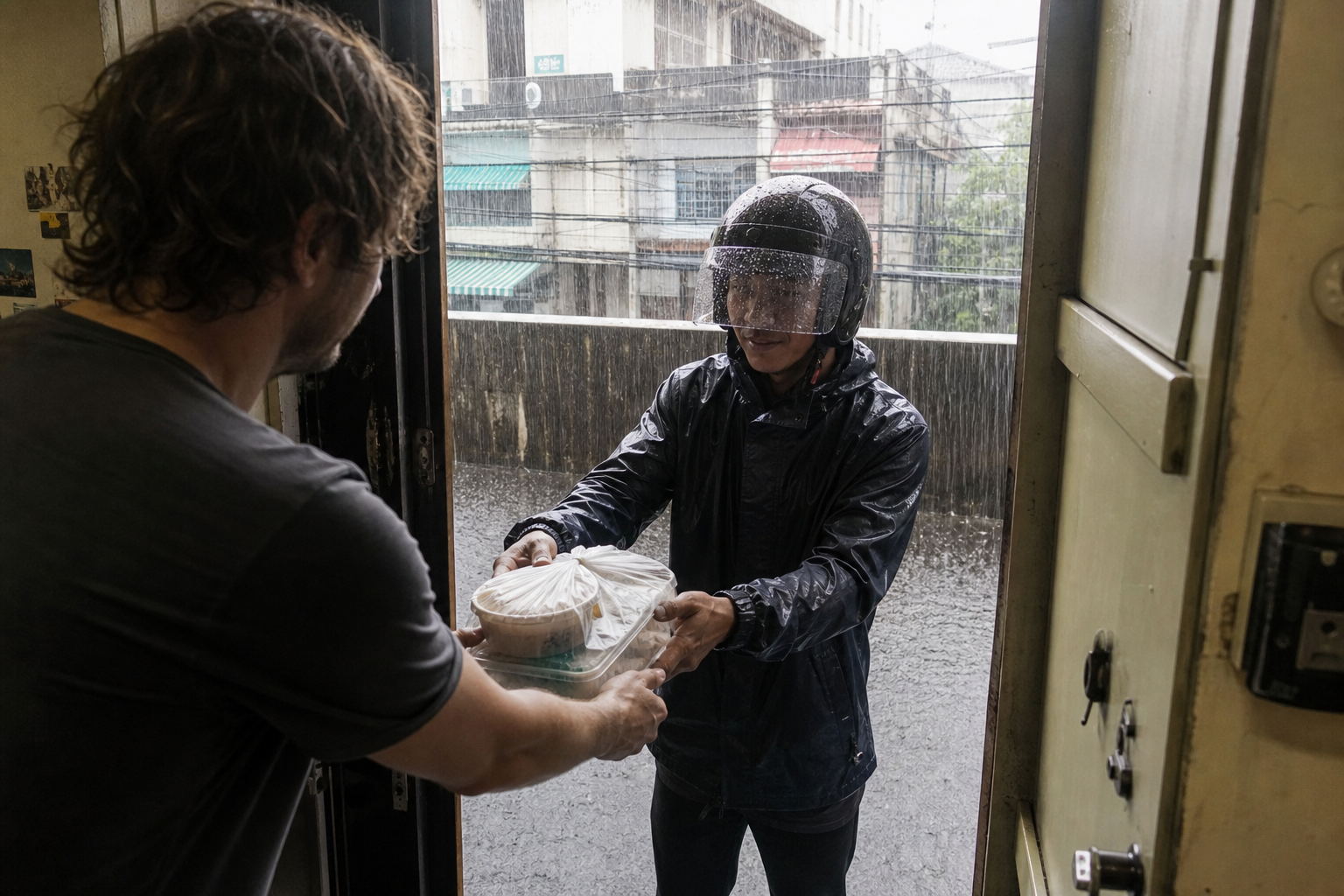
Grab and Foodpanda are popular food-delivery options in Thailand. They are useful during heavy rain, hot weather, traffic, or when you do not want to leave your accommodation.
Both apps offer many restaurants, delivery tracking, and occasional offers. Food can be delivered to your door, making them practical when local food is close but the weather or traffic makes going out inconvenient.
Grab Taxis Motorbikes And Transport
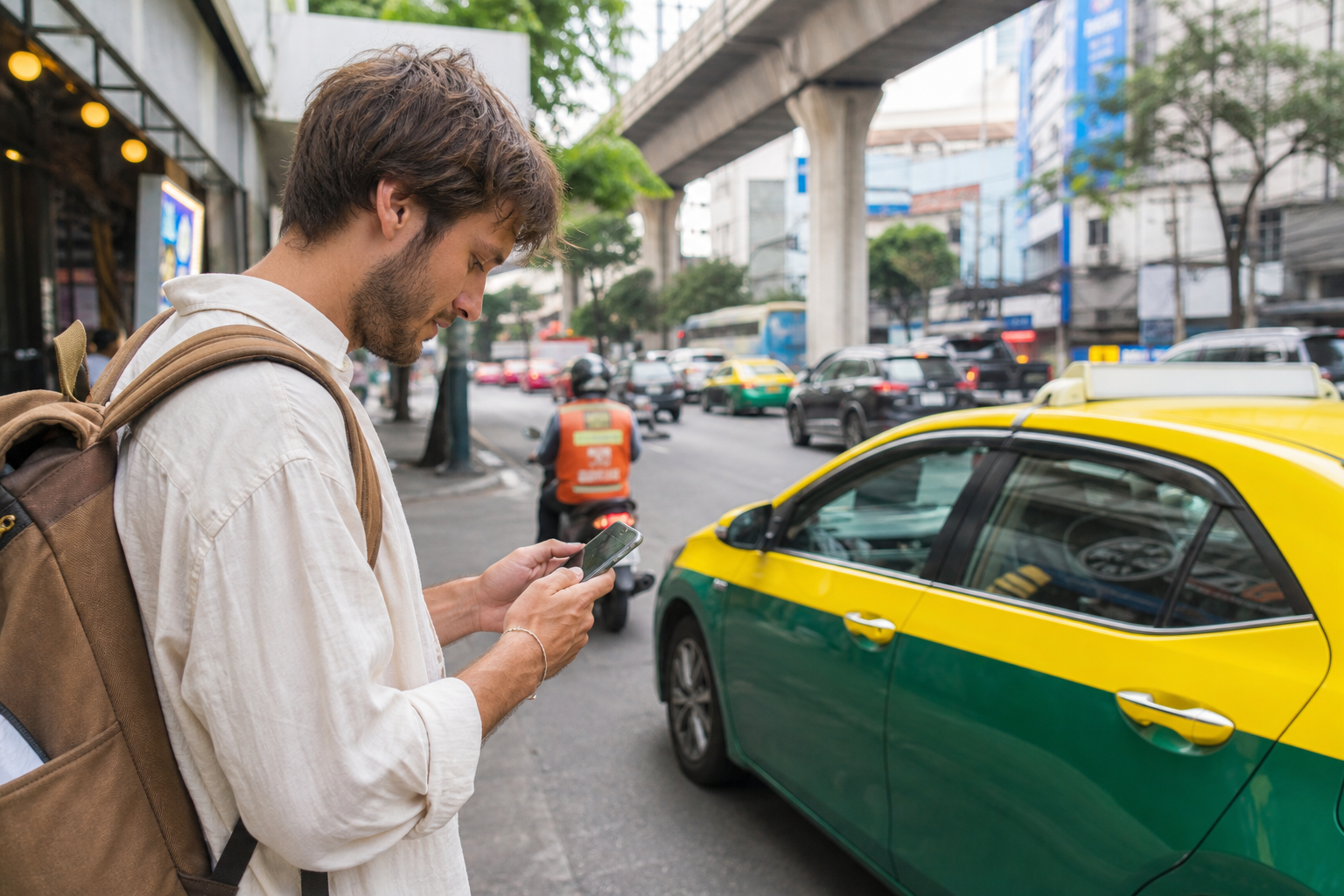
Grab can also be used for taxis, motorbike rides, and other available transport. The app shows your location, the driver’s location, the estimated pickup time, the fare, and the available vehicle options.
Using the app can make it easier to arrange a ride from your accommodation or from a train station. It combines food delivery and transport in one service.
Line And Tinder For Local Connections

Line is widely used in Thailand for chat and calls. Visitors can register with a phone number or email and use it to communicate with local friends and contacts.
Tinder can be used to meet people and make local connections before or during a trip. Use normal care when meeting anyone in person and choose public places.
Traveloka For Cheap Domestic Flights
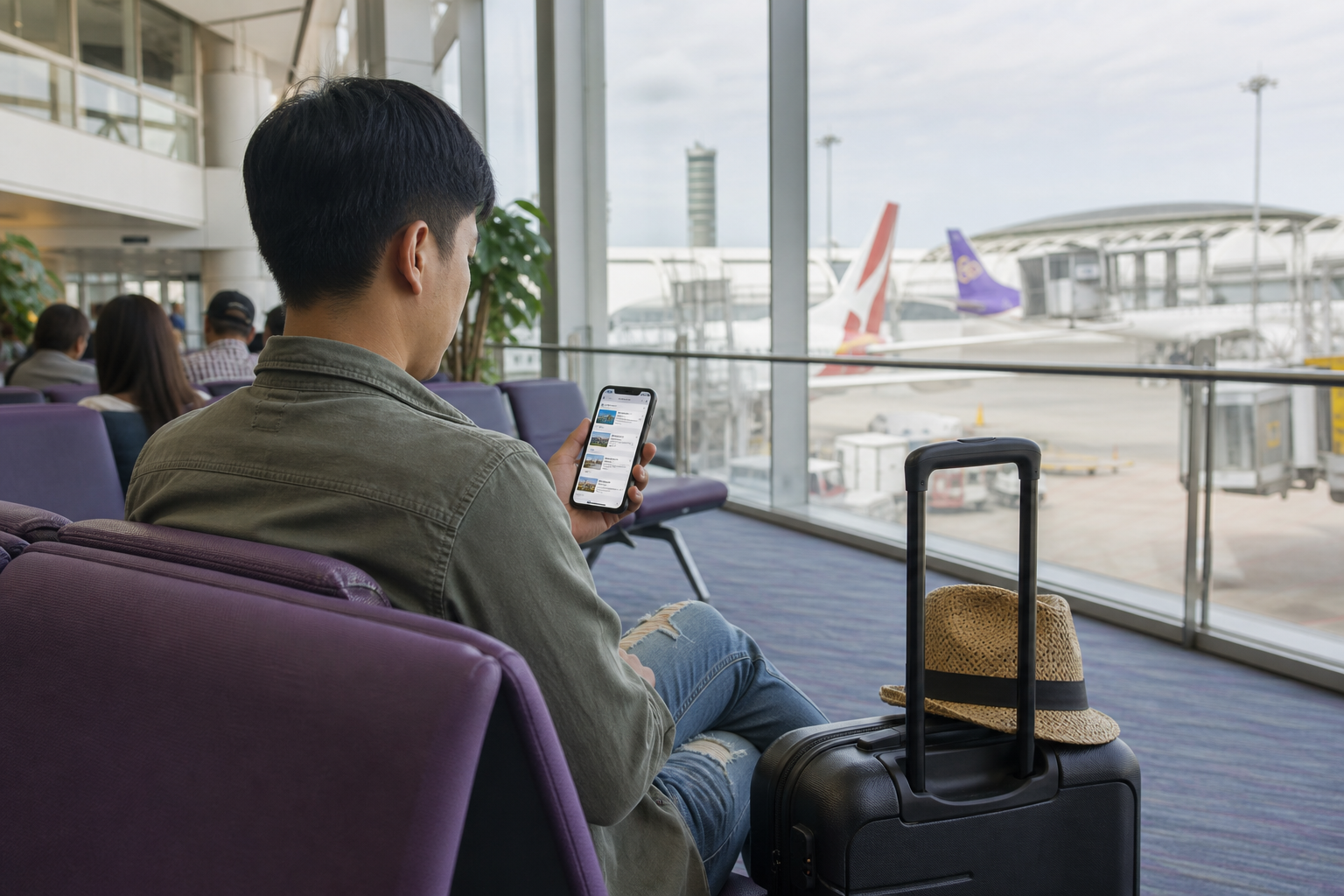
Traveloka can be used to compare and book domestic flights in Thailand. It shows different routes and fare options, including occasional low prices for return tickets.
Check the available dates, baggage rules, and the airline details before paying. Comparing the route and timing can help reduce the cost of travelling between Thai cities.
Food Delivery Options in Thailand
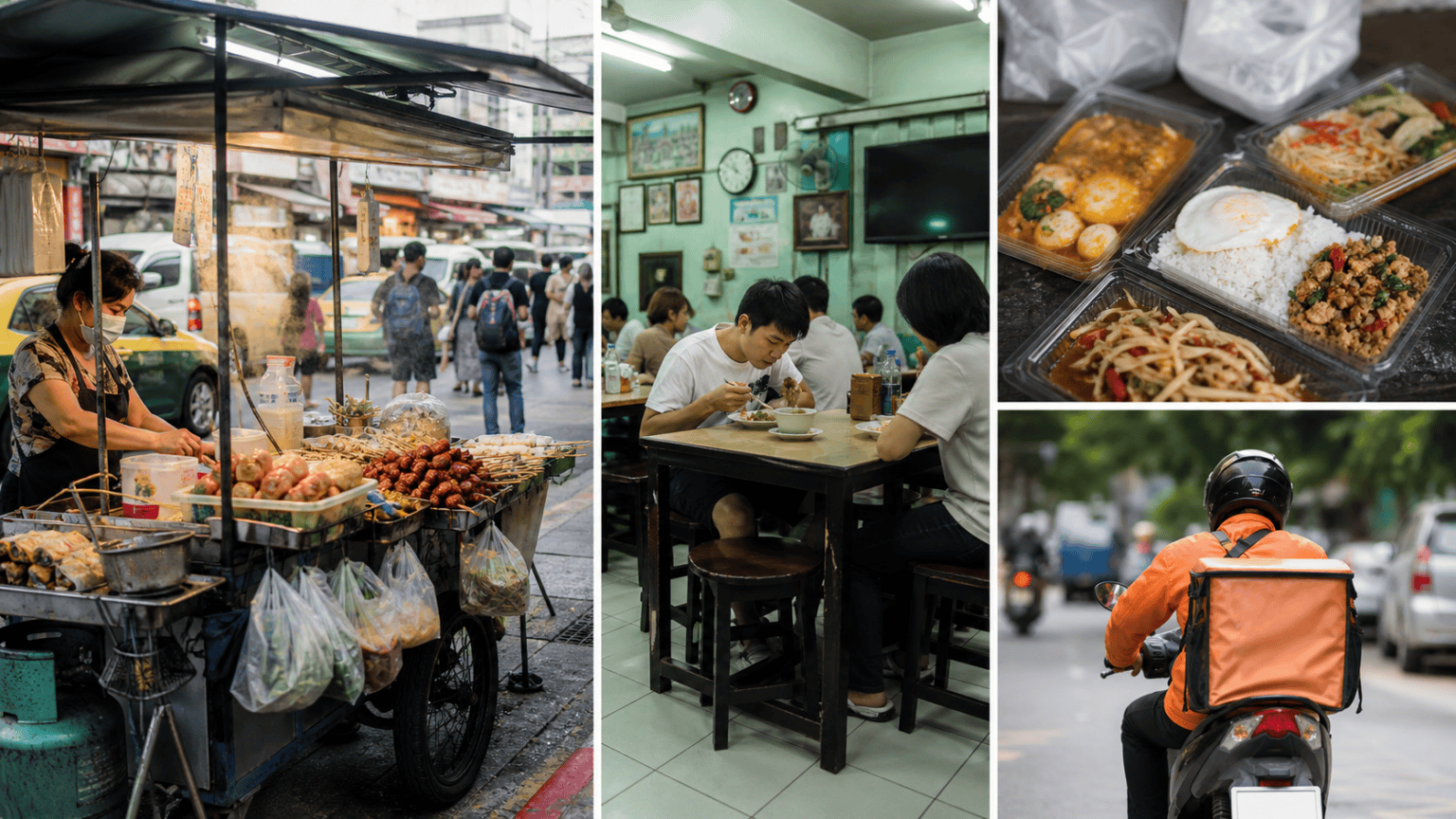
Thailand has street food everywhere, local and international restaurants, fast food chains, and many other choices. Food delivery makes these options available without travelling to a restaurant or waiting outside in difficult conditions.
Ordering can be useful for visitors staying in Bangkok, Phuket, Pattaya, Chiang Mai, Chonburi, and other places where delivery services operate. It can also be useful when the destination is far from the hotel or apartment.
Why Grab Helps in Hot or Rainy Weather
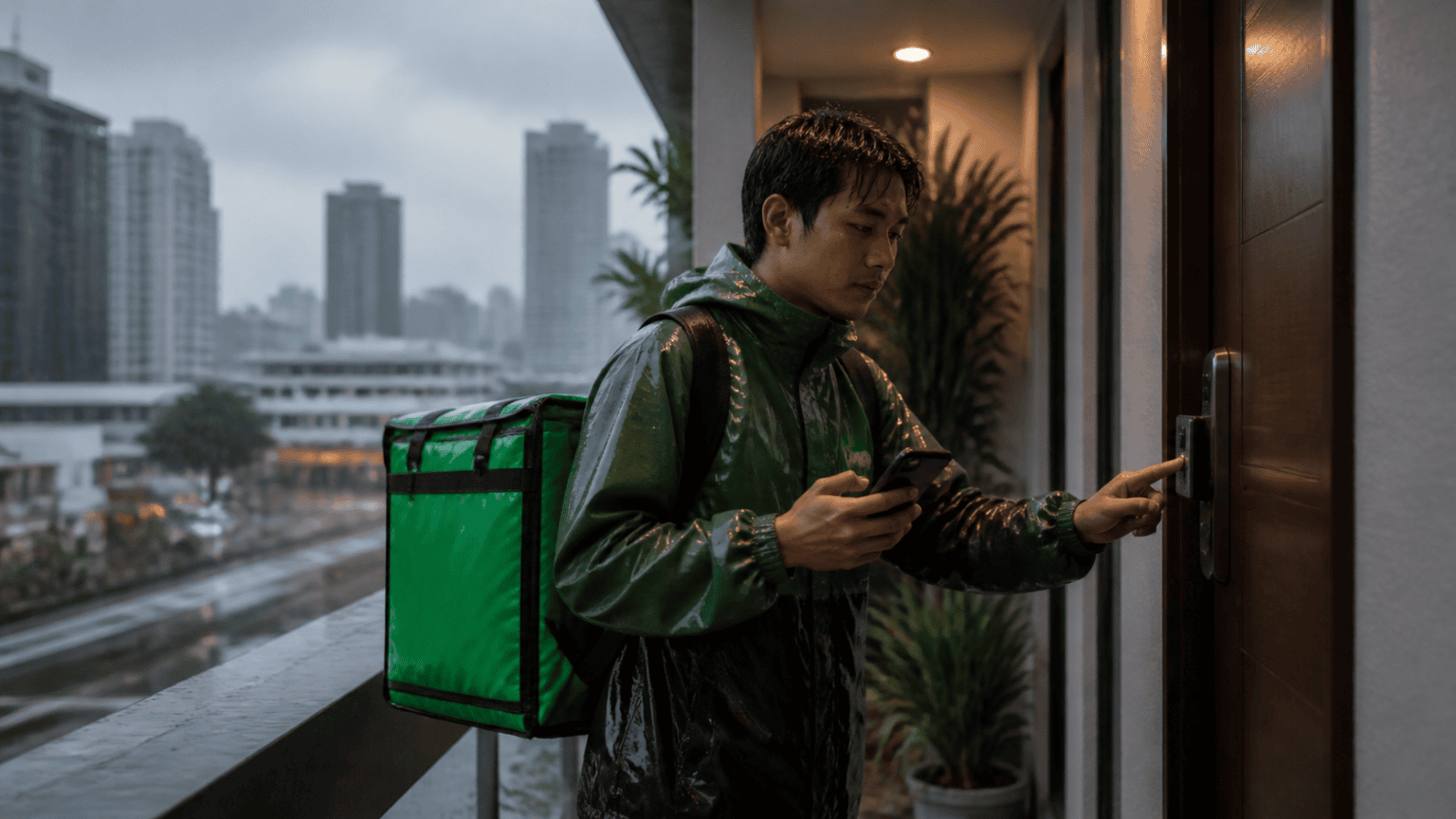
Sometimes it is difficult to reach street food or a restaurant because of heat, strong sun, heavy rain, or the distance. Food delivery also helps when local shops are closed or when it is inconvenient to go out.
Grab has an English interface and is designed to be easy to use. Visitors do not need to speak Thai to search for food and place an order, although checking the address carefully is still important.
Grab Food App Coverage in Thailand
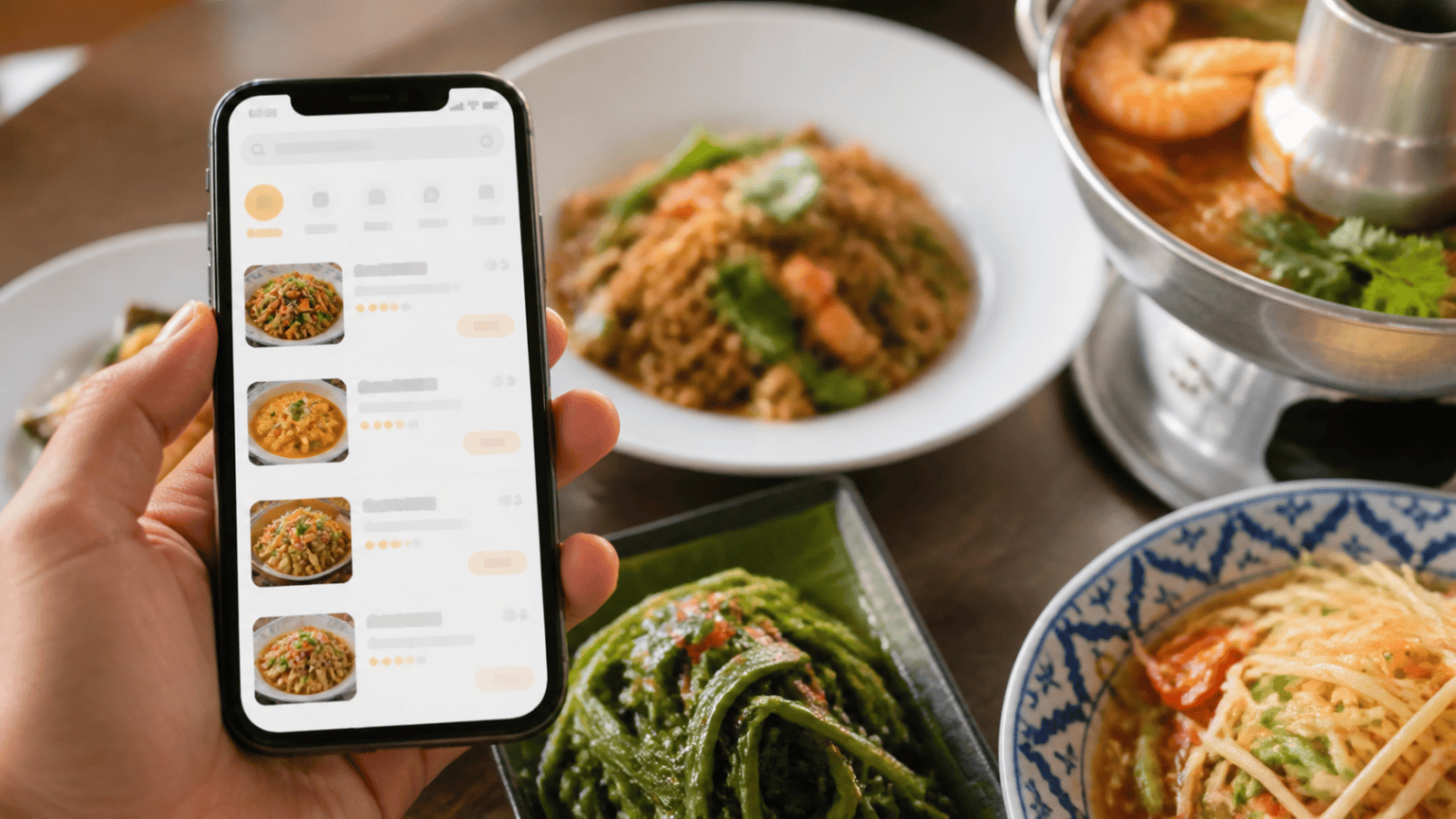
Grab includes well-known fast food chains, restaurants, street food, local Thai food, burgers, pizzas, and more. The service is available in major tourist areas including Bangkok, Phuket, Pattaya, Chiang Mai, and Chonburi.
Download the application from the App Store or Google Play and look for the green Grab logo. Availability and restaurant choices can vary by location, so enter the address before deciding what is nearby.
How to Order and Compare Prices
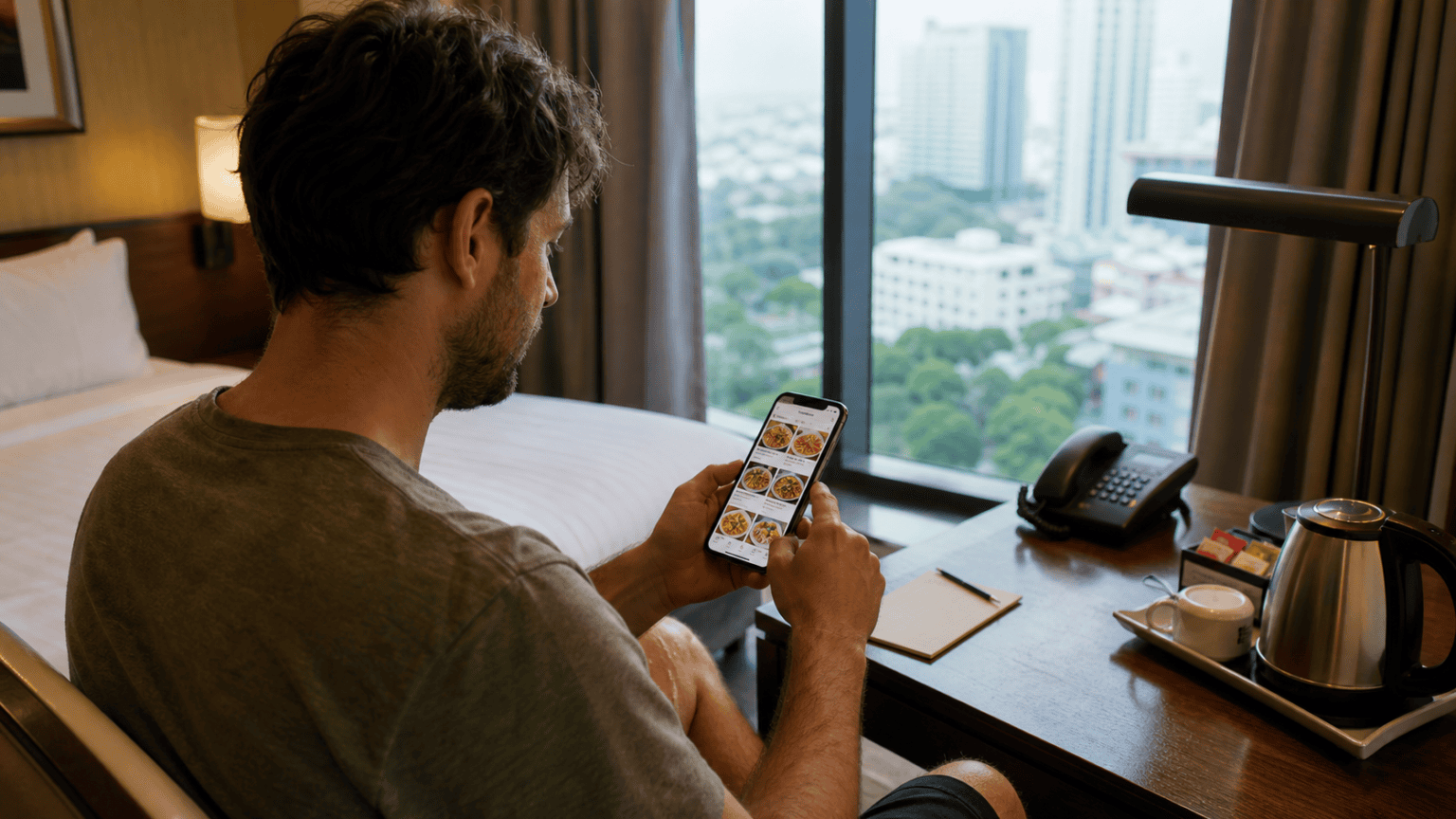
Open the Grab application and add the address, phone number, and other profile details. Choose the food section or type the food you want, then compare the restaurants, menu options, prices, promotions, and delivery charges.
A promotion code may offer free delivery within five kilometres, depending on the current terms. Check the final total before pressing order, because menu prices, delivery fees, and promotions can change.
Payment, Tracking, and Delivery
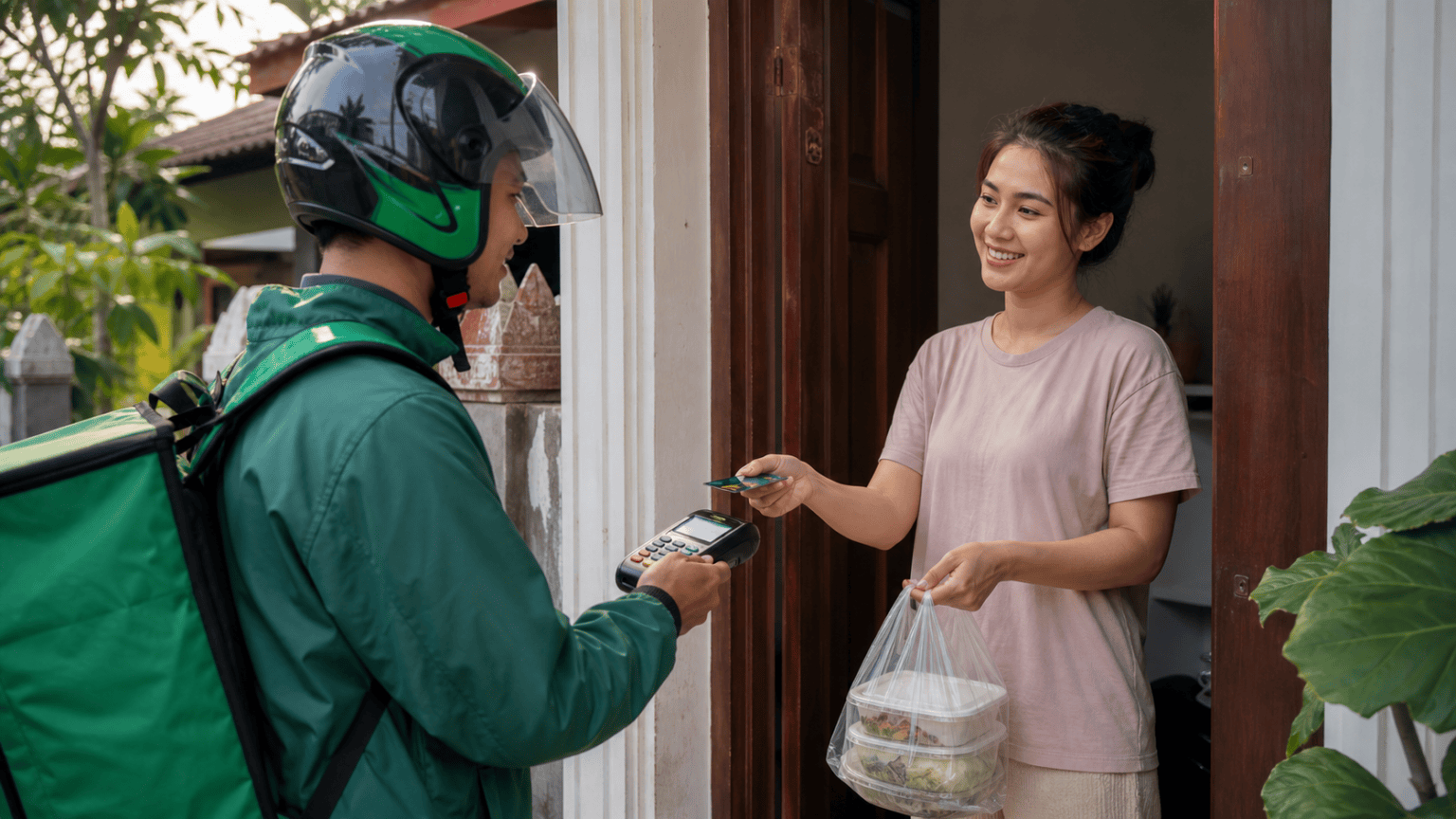
Orders can be paid for with a card online or with cash when the order arrives. People without cards can still order and pay cash at the door, provided the restaurant and delivery option allow it.
The order can be tracked in the application while it is being prepared in the kitchen and while the driver is travelling. Communication with the driver is also available in the app. Food delivery is a practical option when it is raining, hot, far away, or simply more convenient to eat at the accommodation.